Splatoon Raiders Tools Hub
Interactive prep utilities so Hideout Ship launches stop feeling improvised.
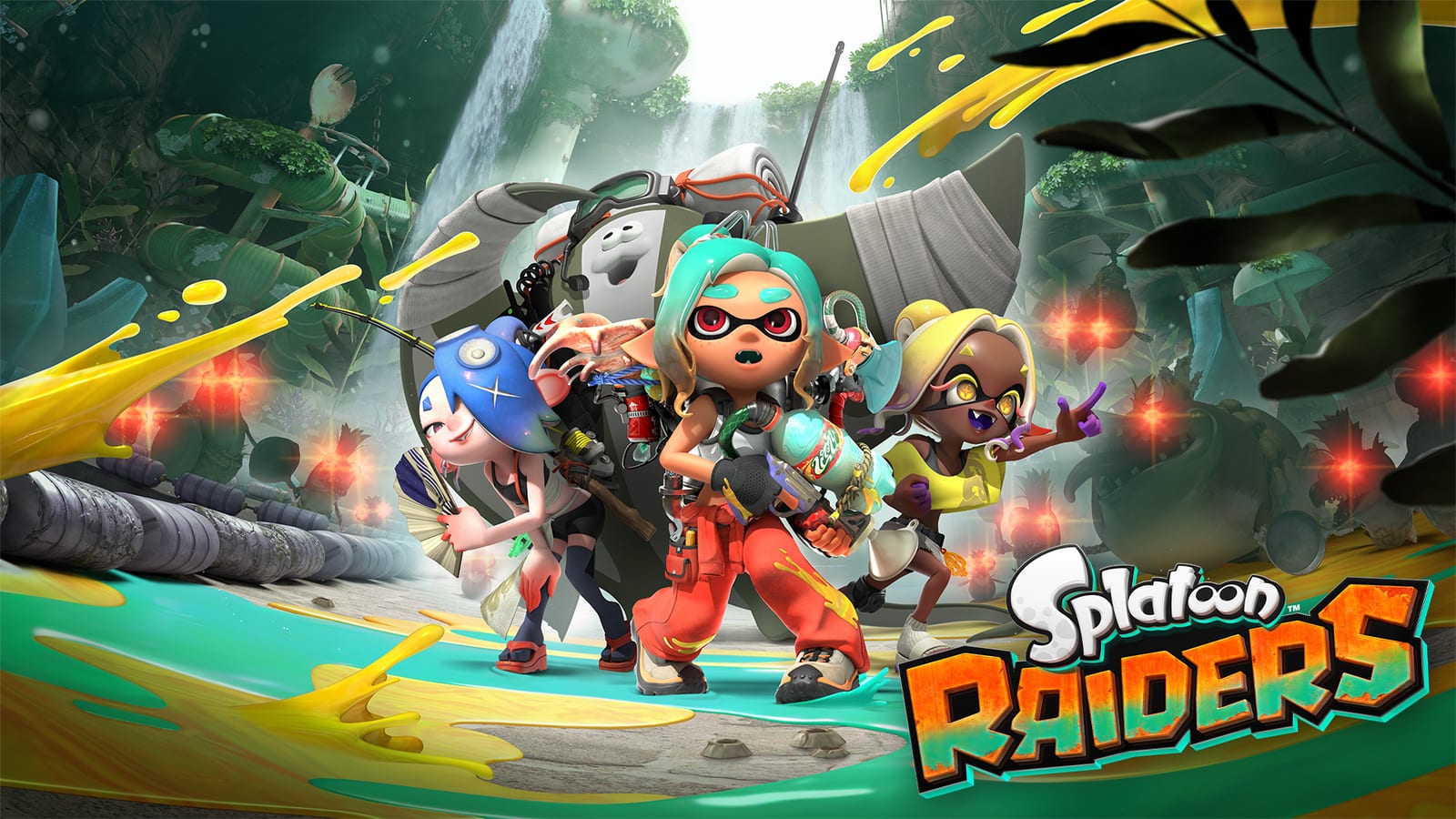
Guides tell you what matters. Tools help you do it on the next raid. The Splatoon Raiders wiki keeps interactive utilities here so you can prep loadouts without juggling five tabs of memory. Start with the featured raid checklist before story spikes, Spicy nodes, or co-op nights.
Pair tools with the Builds hub, Weapons lists, Controls settings, and the Walkthrough Hub so a checked box always maps to a real menu on the Hideout Ship.
Why a tools section exists
Raiders punishes half-ready launches. You can have the right dungeon selected and still fail because relics were unequipped, gadgets belonged to the previous tank, or nobody verified difficulty after a Tourist practice session. A checklist externalizes that memory.
Tools are not substitutes for learning Pantree Beach fundamentals. They are force multipliers once you understand shoot, swim, heal, and Bot Buddy hops.
Featured: Raid Checklist
The raid checklist walks through pre-launch essentials: tank archetype, L/R gadgets, weapon durability of purpose (not just rarity stars), Relic slots, difficulty, consumable-less “did we farm the materials we need tonight,” and co-op role calls. Use it when:
- Attempting Scayl Buried Ruins or later story walls
- Switching from farm kits to progression kits
- Hosting friends who never open the ship menus
- Returning after a break when muscle memory lies
How to use tools with the rest of the wiki
- Pick the goal dungeon from the map or dungeons guide.
- Choose a loadout theory on Builds / Weapons.
- Confirm aim comfort in best settings.
- Tick the raid checklist on the ship.
- Launch, then spend loot using Items priorities.
If you skip step 4, step 5 often becomes “why are we still broke and dead?”
Co-op protocol
Share the checklist screen—or the habit—before anyone presses go. Hosts should announce dungeon type and requested roles. Guests should say if they are motion or stick players only when it affects expected clear speed, not as trivia.
Call for Help arrivals will not see your ritual. Keep your own kit honest anyway; helpers amplify prepared raiders more than they rescue chaotic ones forever.
What tools will not do
They will not aim for you, will not invent missing Steel Eel’s Jaws, and will not balance an empty Relic slot. If checks keep failing in the same place, the answer is practice on the ship range or a materials farm—not another checkbox theme.
Future-proof habit
Even as patches tweak costs, the prep habit stays: identify the bottleneck, equip for the bottleneck, verify menus, then raid. Bookmark this Tools Hub beside your Hideout Ship routine and treat the checklist as part of gearing, not as optional UX flair.
Frequently Asked Questions
Quick answers to the most common questions.
What tools are available now?
Start with the Raid Checklist for loadout and prep verification. Use it alongside Builds, Weapons, and Walkthrough pages for a full pre-launch routine.
Do I need the checklist for every dungeon?
No. Use it for progression spikes, Spicy attempts, co-op hosts, or any night you swapped tanks. Easy farms can stay lightweight once your defaults are stable.
Can co-op teams share the checklist?
Yes. Run through the points together on the Hideout Ship so roles, relics, and difficulty match the dungeon type you selected.
Is this an official Nintendo tool?
No. These are unofficial fan wiki utilities meant to organize information already present in-game menus and our guides.